


DMG - Mac Disk Images
DMG files are macOS disk images. If you have a corrupted disk image, File Juicer can extract files from it, though results may vary due to fragmentation from files being deleted and added over time.
Recover Images from Memory Cards
DMG files are useful with File Juicer when you want to recover images from a damaged or erased memory card from a digital camera — for example if you accidentally deleted photos before copying them to your Mac.
 To recover images from a memory card, first create a disk image of it using Disk Utility, found in Applications > Utilities. Use File > New Image > Image from [device] and select your card reader from the list, then save it as a DMG file.

Then drop the DMG into File Juicer to extract the images.
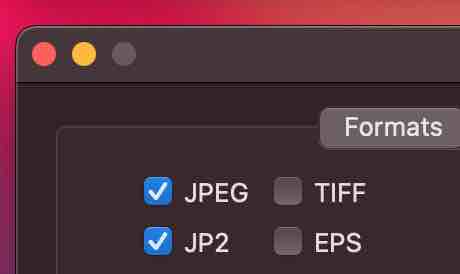 If you only want to recover JPEG images, you can speed up File Juicer by checking only the JPEG checkbox in its preferences.