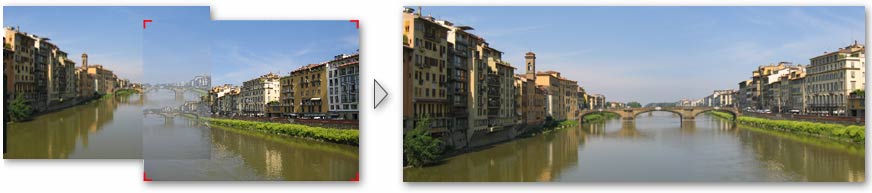
Stitch Photos by Drag & Drop
Use DoubleTake
- For panoramas
- Printing posters over several pieces of paper
- When you can not get far enough away to fit everything in the viewfinder
- Add surroundings to a shot of an event which has now passed
- Make large images suitable for the "Ken Burns" effect in iPhoto or FotoMagico
- Photo montages
- Stitching scanned images if your originals are too large for your scanner.
DoubleTake is intuitive enough to not need a manual, but a few annotated screen shots highlight the key features.